This guide explains how to prepare a quoteable list across product families without confusing a catalogue code with fitment approval. It uses a current MAKEXCAR listing to illustrate field roles, then sets out a practical review format for references, configurations and supplier replies. The example is a field-management example, not an approval to replace an original part with the listed product.
Define each identifier before entering the list
Use a clearly labeled field for the reference supplied by the buyer and another for the seller's proposed SKU. Record the source or owner of each identifier. A code taken from an original part label, a distributor spreadsheet and a seller catalogue may require different clarification even when their character strings look similar.
Ask what an external reference represents before labeling it as OE. Preserve the source wording where its status is uncertain, such as supplier-listed reference or buyer-provided reference. An unlabeled code should remain an open question rather than becoming an original-equipment number simply because it appears in a supplier's offer.
The seller SKU has an administrative role in that seller's catalogue. WooCommerce's official product documentation treats SKU as a distinct unique-identifier field, separate from the product name and product ID. That distinction supports keeping catalogue identity separate from the external reference used in a purchasing inquiry.
Use a current listing to show the field roles
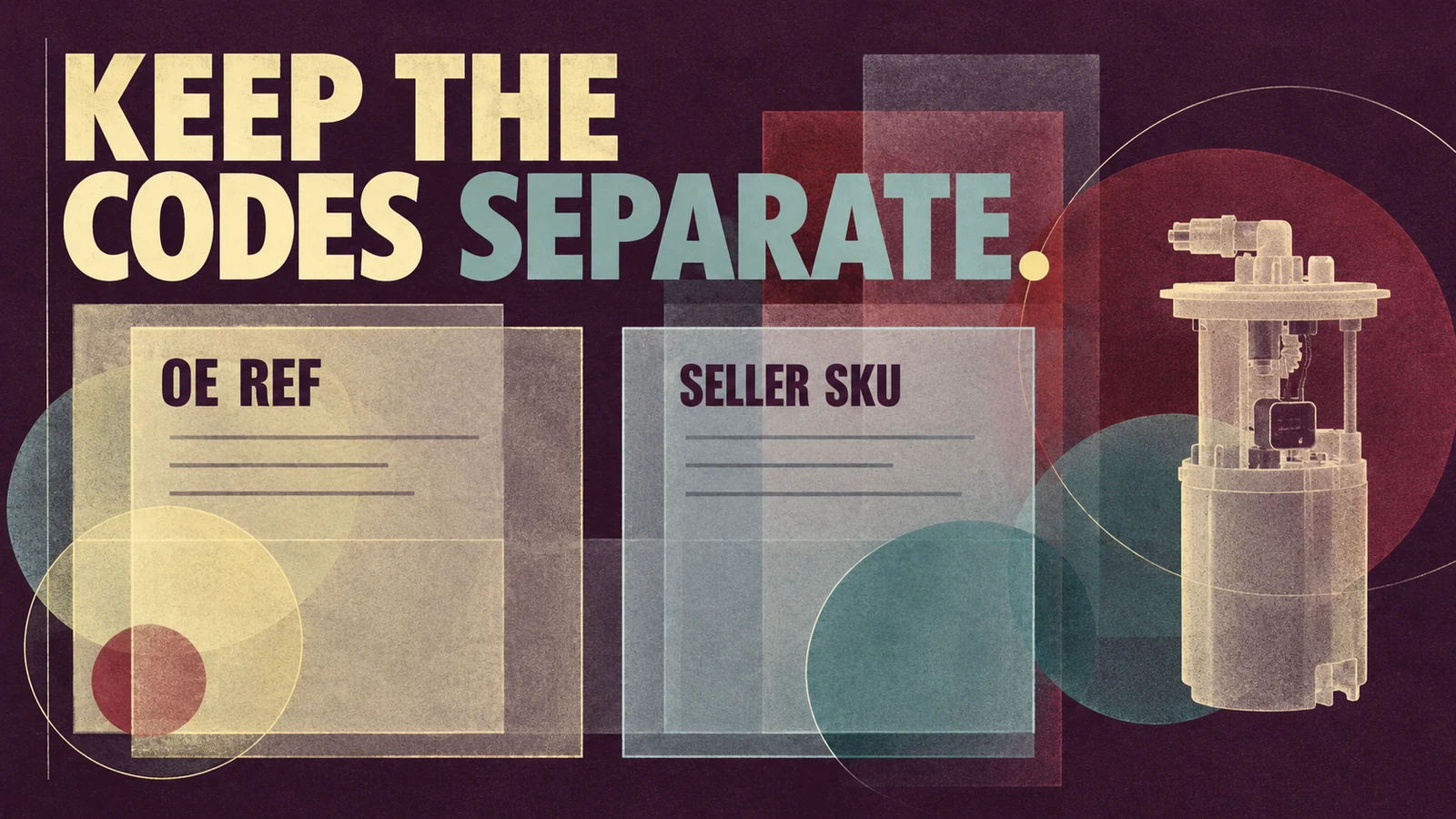
The published MAKEXCAR listing Electric Fuel Pump HM-P38012 M60120027 displays Product Code M60120027 and OE References F000TE1713. Its text describes F000TE1713 as a supplier-listed reference and asks buyers to confirm the required vehicle and part specification. These are the facts used in the example below.
In an RFQ row, M60120027 belongs in the seller's product-code or SKU field. F000TE1713 belongs in a separately labeled supplier-listed reference field, with the published listing recorded as its source. The pairing documents what the catalogue says; it does not independently verify OE provenance, interchangeability or suitability for a particular vehicle.
Keep the model wording HM-P38012 as descriptive catalogue information if useful, rather than treating every identifier in the title as interchangeable. A supplier response should show which field identifies the offered item and which field answers the buyer's external-reference request. Ask for clarification where the roles are unclear.
Assign a stable RFQ line to each requirement
Give every purchasing requirement a stable line identifier that survives revisions. The identifier connects the buyer's request, supplier proposal, quantity and evidence without depending on a code that may later be corrected. Keep a revised external reference on the same line where the underlying requirement remains the same, with the change explained.
Separate different requirements even if they initially share a reference string. They may concern different configurations, destinations or supply scopes. The buyer should decide which differences require separate lines instead of allowing a spreadsheet's duplicate-removal operation to merge them without review.
Record the requested quantity and unit for each line. Do not assume that a SKU identifies a carton quantity, pair or complete assembly. The seller's offer should state the commercial unit and included scope so the identifier does not carry an unstated packaging or content assumption.
Preserve the original reference string
Keep the reference as received alongside any search or comparison version. Leading zeros, spacing, punctuation and suffixes should not disappear without an explained decision. A normalized search string can help an internal search, but it should not overwrite the buyer's original input or the source document.
Ask the supplier how it interprets a suffix or alternate formatting when it affects the proposed match. Do not infer that two codes are equivalent merely because removing separators makes them look alike. Preserve the response and its supporting record on the RFQ line.
For spreadsheets, review cells that may have been converted to numbers or dates during import. A visibly changed string needs correction against its source before quotation. This is an input-quality check, not a claim that every auto parts reference follows one universal character format.
Add the configuration needed to review a match
A reference alone may not answer every application question. Ask which vehicle, original-part configuration, drawing or sample information is needed for the specific product family. Record the buyer's known details and distinguish them from details inferred by a search result or supplier suggestion.
Where the listing asks for fitment confirmation, keep that requirement visible in the inquiry. The M60120027 example does so explicitly. Do not promote the catalogue's vehicle-reference wording into a complete application approval; ask for the evidence required for the actual vehicle and part being replaced.
Technical documents should identify the seller SKU and the configuration they cover. A generic family image or an unlabeled drawing can leave the connection unresolved. Request a current document or sample where the catalogue alone cannot settle the purchasing requirement.
Build a clear RFQ field register
Use an inquiry line to link the external input with the supplier proposal, while keeping their roles explicit. The following editorial register explains why each field matters and which answer to request if it is unclear. It is not a completed equivalence table. The example identifiers above show published catalog roles only.
| RFQ input | Why it matters | Ask if unclear |
|---|---|---|
| Stable buyer line | A corrected code should not erase the requirement or its response history. | Which requirement the line describes and how revisions relate to it. |
| External reference and source | An unlabeled seller-provided code is not independently verified OE provenance. | The original string, source/owner and the status actually supported by that source. |
| Seller SKU and current listing | The offered catalog identity differs from the reference being researched. | Actual SKU/listing, proposed configuration and the source of the pairing. |
| Application and matching evidence | A listed reference alone does not approve the customer's replacement. | Relevant vehicle/part details, supporting document and unresolved compatibility question. |
| Quantity, unit and contents | A SKU does not specify carton count or motor/accessory inclusion. | Quoted quantity/unit and written scope for the offered configuration. |
| Proposal status and revision | An available substitute may still have an unanswered technical question. | Current offer/date, changed fields and separate commercial/matching status. |
For the current cited listing, record M60120027 as the seller product code and F000TE1713 as its supplier-listed external reference. Keep HM-P38012 as descriptive model wording where useful. Do not invent OE provenance or a confirmed vehicle match from that arrangement. Ask the supplier which requirement its proposed item is answering and retain the relevant evidence with the line.

Keep supplier proposals and substitutions visible
The supplier should reply against each RFQ line, identifying the proposed SKU and the external reference it is answering. If several candidate items are offered, give each proposal a separate entry linked to the same buyer requirement. Do not hide alternative proposals in a single unstructured comment.
Ask whether the offer changes the reference, configuration or included scope. Preserve the original request and show the proposed change explicitly. A different SKU is not automatically a like-for-like substitution, even if the seller says the items belong to the same family.
Keep commercial availability separate from technical matching. A statement that an item can be quoted or supplied does not resolve an open fitment question. The comparison file should allow the buyer to see both the commercial response and the evidence status before choosing an offer.
Resolve mixed-code lists before placing an order
Consider an illustrative spreadsheet where the “part number” column contains M60120027 on one row and F000TE1713 on another. The strings may describe different roles within the same published listing, but the rows may also represent different buyer requirements. Ask the list owner what each row means before merging or deleting anything.
Relabel the fields, preserve the original entries and connect a proposed pairing to its source. Record whether the match is merely catalogue-listed, under review or supported by the required project evidence. A tidy spreadsheet should not conceal the fact that a purchasing decision remains unresolved.
Review the corrected list with the supplier before turning it into the order record. Carry the accepted line, seller SKU, reference source, configuration and unit into the commercial documents. This helps later document requests and receiving inquiries identify the item that was actually offered.
Maintain a readable revision record
Record what changed between quotation versions and why. A corrected reference, a revised quantity and a substituted item are different changes. Keep the supporting response available so a colleague can reconstruct the decision without guessing from the newest spreadsheet alone.
Where the source listing changes, preserve the version used for the inquiry and request confirmation of the current offer. A saved catalogue reference is evidence of what was stated at that time, not a guarantee that the same configuration remains available indefinitely.
Frequently asked questions
A spreadsheet converts a reference to a number
In a hypothetical import, a buyer-provided string begins with a zero but the spreadsheet displays a shorter numeric value. Compare it with the source record, restore the original string in the reference field and keep any normalized search version separately. Do not add a zero by guessing when the source is unavailable. The supplier needs the supported original input and its role, not a tidy-looking inferred code.
Two rows appear to name one catalog listing
In the illustrative mixed-code list above, one row contains M60120027 and another F000TE1713. The public page connects those codes in different roles, but that does not establish that both rows describe one buyer requirement. Ask the list owner about the actual application, quantity and scope on each line. If they are one requirement, preserve the line history and label the roles; if they differ, keep both lines rather than allowing automatic duplicate removal to merge them.
A substitute is available but its matching basis is missing
Suppose a hypothetical supplier reply quotes a different SKU and says it can be supplied, without explaining which external reference and configuration it covers. Retain the proposed item as an alternative and request its pairing basis. Keep availability separate from technical matching. A purchase decision should identify the accepted current SKU and the evidence needed by the actual requirement instead of promoting a commercial response into fitment approval.
These situations are editorial examples, not customer incidents or completed matching reviews. The first corrects source input, the second clarifies requirement identity and the third requests proposal evidence. Each preserves uncertainty where the source is missing rather than turning code similarity into a confirmed replacement.
Send a list that can be reviewed line by line
Use these fields for each inquiry line. Brackets should hold the actual buyer input and supplier response.
Requirement: [stable line ID, original external string and its source/status].
Proposed item: [seller SKU/current listing and any model wording kept separately].
Match review: [application/configuration, document basis and unresolved question].
Commercial scope: [quantity/unit, included components and separate availability answer].
Revision: [changed fields, current offer/date and any alternative requiring approval].
Organize the reference fields, original sources, application details and commercial units before requesting quotations. The current Engine & Ignition catalogue provides navigation for the fuel-pump example; the field method also supports other families when their requirements are defined. Use MAKEXCAR's contact page to request a reply against each line, with proposed SKUs and unresolved matching questions made explicit.