
The failure can happen before the catalog receives the file
A supplier sends a reference list, a buyer opens it in a spreadsheet, and the resulting file enters a purchasing catalog. If a reference changes during that preparation, the later importer may faithfully store the wrong string. The problem is then not only the destination system: it is the complete path from source to stored record.
Define which identifier belongs in each field before preparing the import. Keep the supplier's reference, your internal item identifier and any confirmed cross-reference under separate headings. The focus here is preserving their content during transfer, rather than establishing interchangeability from a number alone.
Use the approved source as the comparison point. An edited workbook should not become the sole evidence for the original reference if it has already changed the text.
Real catalog fields show why the complete string matters
Three published products within the MAKEXCAR Engine & Ignition family contain these recorded fields. They are catalog facts, not examples of an observed import failure.
| Published SKU | Selected reference recorded in the body |
|---|---|
| M60120027 | F000TE1713 |
| M60120028 | 23220-0C050 |
| M60120029 | 31111-09000 |
The second entry has other references in its body; the table selects one recorded string rather than claiming it is the only reference. The letters, embedded zeros and punctuation must remain identifiable. None of these records establishes an OE-equivalence approval or a vehicle match on its own.
Keep the MAKEXCAR SKU distinct from the reference field. Replacing one with the other during an import can make a clean-looking row describe a different identifier role.
Set identifier columns to text before conversion
The official Microsoft guidance on leading zeros explains that Excel can remove leading zeros when it converts numerical text and can alter long numeric identifiers. It describes importing identifier columns as text. Formatting after the original content has been lost does not establish what that content was.
For the purchasing workflow, verify the actual identifier string before and after each preparation stage. Keep an unchanged source copy and identify the column intended for the reference. Ask the file owner about unfamiliar formats instead of turning them into numbers for convenience.
A visual display is only one view of the record. The value used by the destination needs to be checked as well. Do not assume a cell that looks correct will necessarily deliver the same string to another application.
Microsoft also identifies a 15-digit numerical-precision limit in its discussion of automatic conversions. A longer numeric-looking reference therefore needs text preservation, not merely a wider column or additional display digits. The same record may look similar after conversion while its later digits no longer match the source. This is a software data-handling concern, not a limit on how long a supplier's part reference may be.
Use explicit hypothetical strings for the import check
The following invented examples illustrate possible changes. They are not real part references, actual MAKEXCAR defects or claims that every spreadsheet causes the same transformation.
| Hypothetical approved string | Changed string to reject | Content lost |
|---|---|---|
| 001245 | 1245 | Two leading zeros |
| AB-120-B | AB-120 | Suffix -B |
| ZX/08-02 | ZX08-02 | Slash separator |
The first source string has six characters; its changed version has four. That count helps identify the mismatch, but equal character counts would not prove equality. Two different strings can have the same length.
The second and third changes could arise from a deliberate cleanup rule or another processing step; they are not presented as default Excel behavior. The reviewer should locate the stage that changed the text rather than assign a cause from the final string alone.
A suffix can have a supplier-defined meaning, but the meaning must be confirmed. Preserve it without inventing an interpretation such as material grade, side or revision from its appearance.
Compare the actual text, not only the appearance
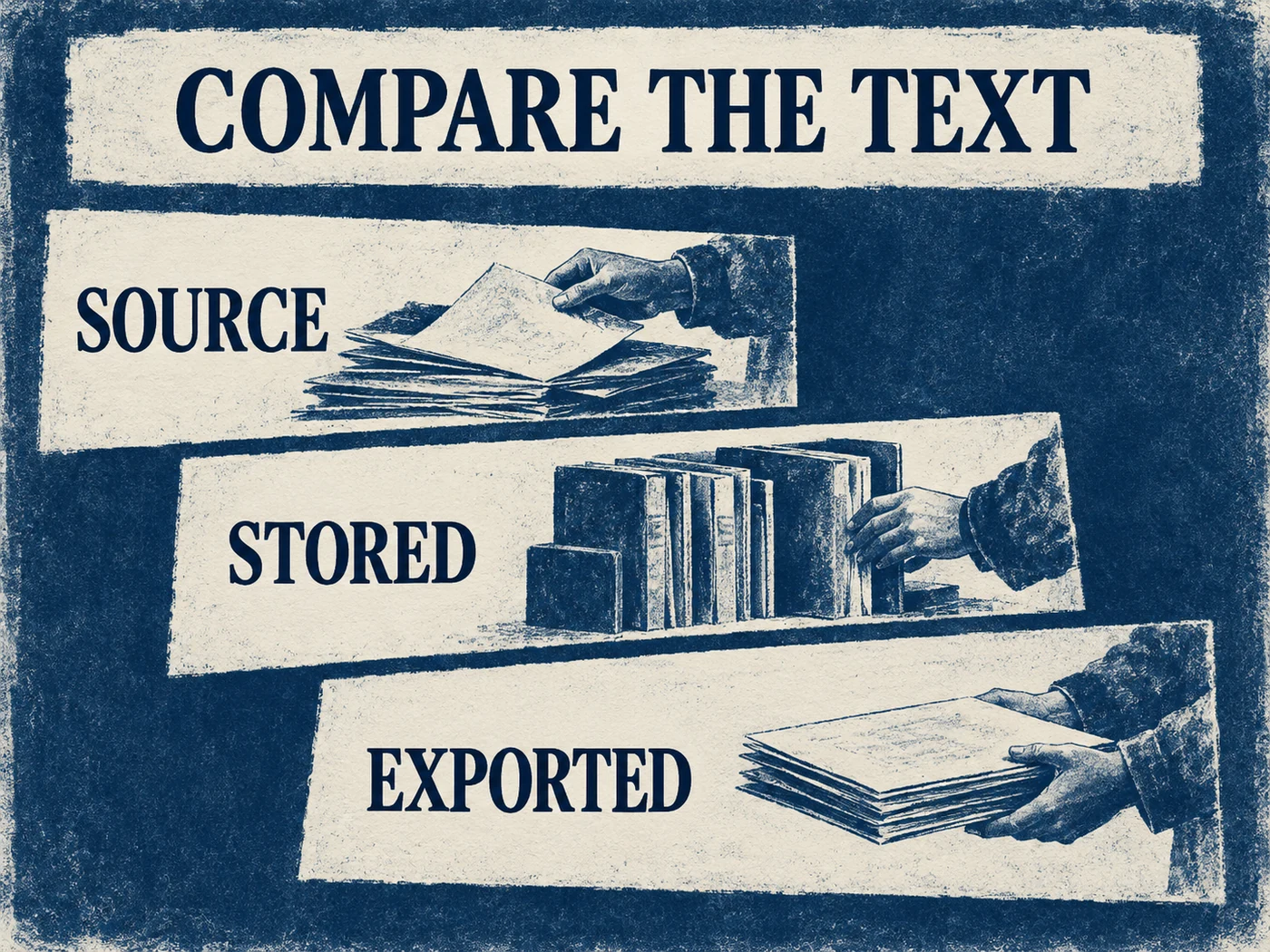
Build a small comparison record with the approved source, prepared-file value, stored value and exported value. Keep each stage labeled so that a mismatch can be traced to a specific transfer. Record the result for the complete string.
Include representative identifiers containing leading zeros, mixed letters and digits, punctuation and suffixes. Use approved real records for the operational check; use clearly marked examples only for training. A test using ordinary short numbers will not exercise every relevant identifier format.
Check the returned identifier in a record that can be associated with the correct item. A string may survive unchanged yet be placed in the wrong column or attached to the wrong row. Content preservation and field mapping are separate checks.
Keep import mapping distinct from string preservation
The official WooCommerce CSV importer documentation describes product-column mapping and an import schema with an SKU field. That documentation explains a specific software workflow; it does not prove that an arbitrary supplier reference column belongs in SKU or that a particular file has been imported correctly.
For an auto-parts file, identify the destination field for each source column before transferring the rows. If the supplier reference is stored as an attribute or another agreed field, document that mapping. Do not silently use an unrelated field because its name sounds close.
Keep quantities and dimensions in their own columns. Their numerical interpretation can be appropriate for their purpose, while identifiers need their original textual identity. A single conversion rule for the whole file can confuse those roles.
A row-count match does not prove reference integrity
Imagine an invented three-row file that produces three stored rows, but the identifiers in two rows change. The row count is unchanged even though only one of the three identifiers matches its source. These numbers describe a hypothetical transfer, not a catalog audit.
Two mismatches out of three records are two specific exceptions to resolve. The equal row total does not remove them. Keep the changed string, affected row and preparation stage in the exception record rather than averaging the issue into an unexplained quality percentage.
After correction, compare the affected identifiers again and confirm their destination mapping. A corrected display alone does not prove that the underlying stored content or later export has also been corrected.
Do not reconstruct an unknown reference by guessing
If zeros or a suffix are missing and the approved source is unavailable, request confirmation from the file owner. A fixed-width padding rule can produce a plausible-looking identifier without proving that it is the correct reference.
Likewise, do not join fragments or split a concatenated field without evidence. Preserve the original ambiguous content in the review record and ask which complete references were intended. The objective is a confirmed string, not merely one that passes a local formatting rule.
If a corrected source arrives, keep its revision and the explanation of the change. Distinguish a correction to an import error from a supplier's actual change to the item reference.
Keep cleanup rules visible and approved
Document any deliberate normalization, such as an agreed treatment of surrounding whitespace. Preserve the unmodified source separately. A normalization rule should have a defined purpose and should not delete meaningful internal characters.
Where a search key differs from the published reference, keep those roles explicit. A simplified lookup key may assist retrieval, but it should not overwrite the approved reference on the order or product record.
Before a bulk transfer, check a representative sample through the complete preparation and retrieval path. Record the outcome and resolve demonstrated mismatches before using the prepared identifiers in purchasing documents.
Connect the confirmed identifier to the quotation
When a buyer sends an RFQ based on imported catalog rows, include the confirmed reference and the supplier or internal SKU in their labeled fields. Keep the vehicle and technical details separate. A preserved identifier improves traceability but does not itself approve fitment.
If the supplier responds with a different reference, record the proposed change and ask for confirmation. Do not overwrite the original request before the replacement relationship is established.
Include the next export in the acceptance check
When the catalog feeds an order spreadsheet or distributor file, include that actual next retrieval stage in the comparison. The reference can survive the first import and still change during the next preparation step. Associate each stage with the same item and field; otherwise two matching strings can conceal a wrong row relationship.
| Observed exception | Review task | Correction evidence |
|---|---|---|
| Characters lost before import | Compare unchanged source with prepared-file text | Corrected preparation value confirmed against source |
| Text intact but in wrong field or item | Review column and row association | Returned field linked to the intended item |
| Stored value correct but export changed | Review the retrieval/preparation step | Actual exported text agrees with the approved source |
| Source and replacement reference differ | Ask whether this is an import correction or a real reference change | Source-owner explanation and revised record |
These are evidence-review categories, not claims that a particular system has been tested. Recheck the affected string and its item association after the correction. A format check or row count can help locate an issue, but neither replaces comparing the complete reference.
Send a catalog clarification request
Send the following record through the MAKEXCAR contact page when a reference is unclear or changed. Attach the approved source and the affected retrieval record where available. Keep vehicle details and technical suitability questions separate from the identifier-preservation issue.
| Request field | Buyer entry |
|---|---|
| Item and identifier role | [Supplier SKU, reference field and intended destination] |
| Source record | [File/revision, row and complete approved string] |
| Observed exception | [Prepared/stored/exported stage and exact returned string] |
| Required clarification | [Confirm missing content, field mapping or actual reference change] |
| Purchasing context | [Quantity, application enquiry and responsible file owner] |
Retain the confirmed correction with the source record and compare its next actual export. The completed review should show both that the full text survived and that it remains attached to the intended item. Neither result by itself establishes vehicle interchangeability.